A great design can still produce disappointing results when the file is not built for print. Blurry logos, unexpected color shifts, white edges, missing fonts, and tiny unreadable type usually begin before anything reaches the press. Knowing how to prepare print artwork helps your project move faster, reduces proofing delays, and gives your business, school, or event materials the professional finish they deserve.
The right setup depends on what you are printing. A yard sign has different requirements than embroidered polos, a full-color brochure, team spirit wear, or a run of event banners. The goal is not to become a production expert. It is to give your print partner a clean, complete file and enough information to recommend the right process before production begins.
Need Custom Printing or Promotional Products?
Zepher Printing helps Kansas City businesses, schools, teams, and organizations with custom apparel, screen printing, embroidery, promotional products, and branded merchandise.
Request a QuoteHow to Prepare Print Artwork for the Product
Start with the finished product, not the design file you happen to have available. Ask where the artwork will appear, how large it will print, what material it will be printed on, and how people will view it.
For example, a logo on a business card needs crisp detail at a small size. The same logo on a 10-foot trade show banner must be readable from several steps away. A design for screen-printed T-shirts needs to account for ink colors, garment color, and fine details that may not reproduce well on fabric. Embroidery requires even more simplification because thread cannot capture every thin line, gradient, or small piece of type.
This is especially relevant for organizations ordering multiple branded items at once. A Johnson County employer may use the same logo on uniforms, recruiting folders, vehicle decals, and employee appreciation gifts, but each application may need its own artwork treatment. A single file is not always a single solution.
Before sending artwork, confirm the final dimensions and intended use. If you are unsure, provide the original logo file and explain the product, quantity, and placement. That gives your print team the context to identify issues early rather than after a proof is already in motion.
Use the Best File Format You Have
Vector artwork is generally the preferred choice for logos, lettering, icons, and other clean graphic elements. Vector files use mathematical paths rather than a fixed number of pixels, so they can scale up or down without becoming soft or jagged. Common vector formats include AI, EPS, SVG, and print-ready PDF files.
Raster files, such as JPG, PNG, TIFF, and PSD files, are made of pixels. They can print well when they are created at sufficient resolution and used at or below their intended size. They can become blurry when enlarged beyond their original dimensions. A logo copied from a website, email signature, or social media profile is often too small for a banner, sign, or large-format display.
For printed photos and raster graphics, aim for 300 pixels per inch at the final printed size. A photo that looks sharp on a phone or laptop may still be low resolution for print because screens display images differently than presses do. If the artwork needs to be enlarged significantly, start with a larger original image whenever possible.
A PDF is often a strong choice, but not every PDF is automatically print-ready. Some PDFs contain low-resolution images, flattened text, or incorrect page dimensions. Exporting from a design program using a high-quality print preset is usually safer than using a basic office-print option.
Set the Correct Size, Bleed, and Safe Area
Printed pieces have physical trim lines. A business card, postcard, booklet cover, flyer, or rack card is printed on a larger sheet and cut to its final size. If a background color, photo, or graphic reaches the edge, extend it beyond the trim line. That extension is called bleed.
A standard bleed is often 0.125 inch on each side, though requirements can vary by product. Without bleed, even a slight shift during trimming can leave a narrow white edge where color or imagery was supposed to run to the border.
Keep critical content inside a safe area as well. Names, phone numbers, addresses, QR codes, logos, and key design elements should sit comfortably away from the edge. A good rule is to keep important details at least 0.125 to 0.25 inch inside the final trim line, depending on the item.
Large-format graphics require the same thinking at a different scale. A banner may need extra material for hems, pole pockets, or grommet placement. Signage may need room for mounting hardware. For a school athletic banner or a municipal event display, the design should also account for viewing distance. Small sponsor logos and thin contact information can disappear when viewers are standing across a gym, field, parking lot, or lobby.
Choose Colors for Print, Not Just the Screen
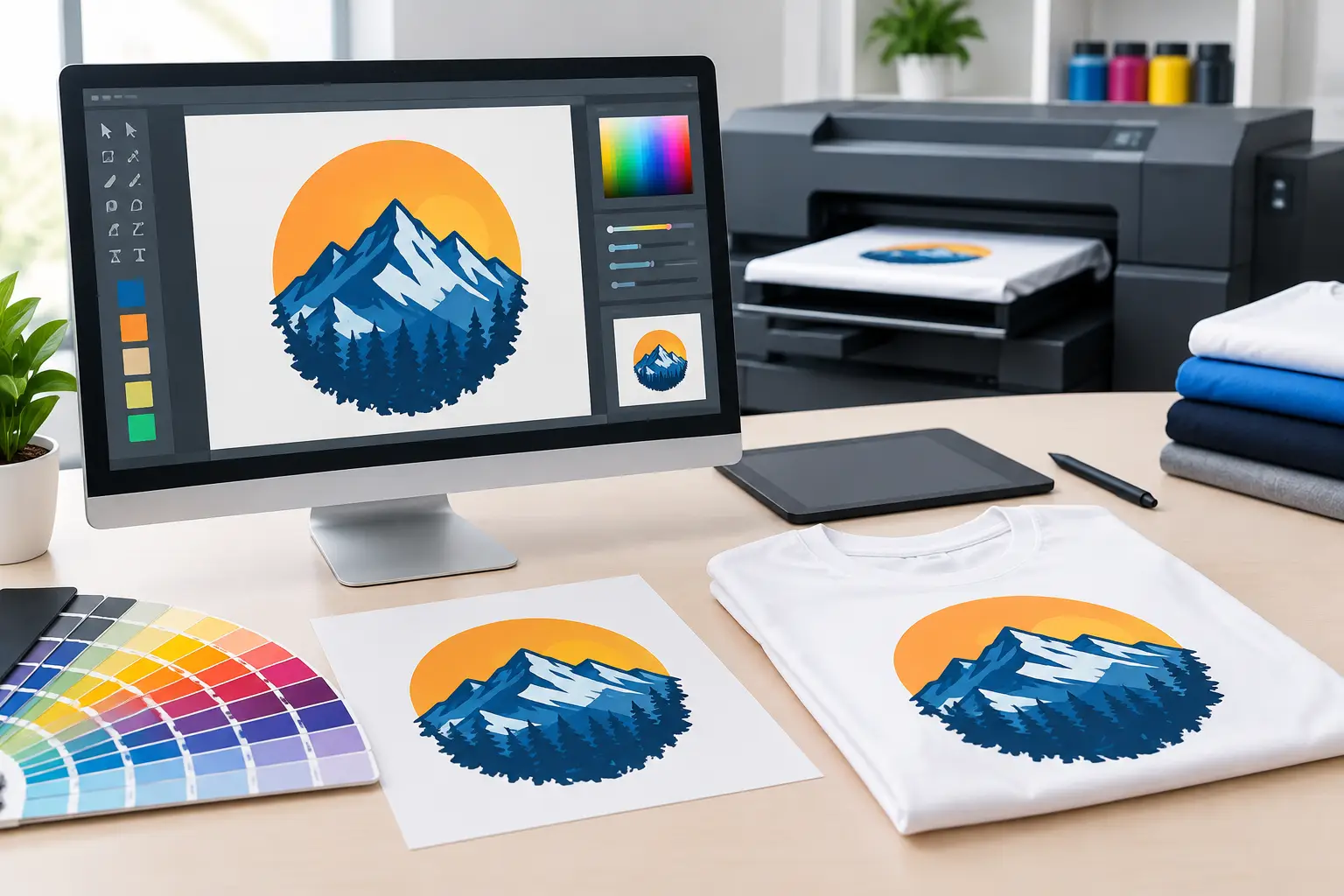
Color is one of the most common sources of surprise. Computer monitors use RGB color, which is created with light. Most commercial print processes use CMYK inks, and screen printing may use specific spot colors. Because the systems work differently, a bright screen color may look somewhat different in print.
For full-color print pieces such as brochures, postcards, or presentation folders, build files in CMYK when possible. For branded colors that need to remain consistent across multiple items, provide the approved Pantone color reference if your organization has one. This is especially useful for logos used across uniforms, signs, print collateral, and promotional products.
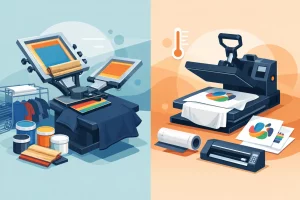
There are practical trade-offs. A full-color photo flyer may be a natural CMYK project, while a simple two-color event shirt may be more cost-effective and more durable with spot-color screen printing. Metallic, neon, and specialty inks can also look different from what a monitor suggests. A proof is the place to verify the direction, but a physical sample or color reference may be worthwhile when brand accuracy is critical.
Also consider the substrate. White paper, cream paper, dark garments, clear decals, textured stock, and vinyl banners all influence how color appears. White ink may be needed under a design printed on a dark shirt or transparent material. That extra layer can affect both artwork preparation and the production approach.
Make Type, Lines, and Details Production-Friendly
Readable artwork is more valuable than artwork packed with details. Small type may look fine at 400% zoom but fail in real life. Thin lines can break up, fill in, or disappear depending on the print method and material. Reversed type – light text printed out of a dark background – often needs to be slightly larger or heavier than dark type on a light background.
Use high-contrast color combinations, especially for signage and event materials intended to be read quickly. Avoid placing critical text over a busy photograph unless the image has a clear, consistent area behind it. If a QR code is part of the design, leave clear space around it, maintain strong contrast, and test it from a printed proof or full-size sample.
For apparel, simplify when needed. Fine shading and hairline strokes may work in a digital mockup but not in embroidery or a limited-color screen print. For spirit wear, team shirts, and company uniforms, bold type and clearly separated shapes generally produce a stronger result from a distance.
Package Fonts, Images, and Versions Correctly
Missing fonts can change a layout completely. If you are sending an editable design file, package the file with its linked images and fonts, or convert text to outlines after carefully proofreading it. Once text is outlined, it is no longer editable as type, so keep an editable working version separately.
Use clear file names that make the current version easy to identify. Names such as `Fall_Fundraiser_Postcard_FINAL_Approved.pdf` are more useful than `new design final 2.pdf`. When several people are reviewing a project, version control prevents the wrong logo, outdated event date, or previous contact information from reaching production.
Before submitting, verify these essentials:
- Final size, orientation, and number of pages or sides
- Bleed and safe margins for trimmed print pieces
- Image resolution at the final output size
- Correct logo version, spelling, phone numbers, dates, and URLs
- Intended colors, garment or material color, and placement details
- Fonts outlined or included when editable files are supplied
Review the Proof Like It Will Be Printed
A proof is not just a formality. It is the final opportunity to review the artwork before production. Read every word slowly, even if the design has been reviewed several times. Confirm quantities, sizes, imprint location, colors, and product specifications alongside the visual layout.
For recurring materials, keep approved brand assets organized in one location. Your current logo files, approved colors, font guidance, and previous print-ready designs can save significant time for the next staff order, fundraiser, trade show, or community event. It also helps new employees, volunteers, and committee members use the brand consistently.
After more than two decades of helping Kansas City organizations bring ideas to print, Zepher Printing has seen that the best projects begin with clear artwork and a quick conversation about the finished product. Send the best files you have, explain what the piece needs to accomplish, and ask questions early. That simple step gives your print partner room to solve problems before they become costly delays – and helps ensure your finished materials are fast, local, and done right.